How to Spot Phishing Emails
A deceptive attack through email, text message, voice calls, etc.
Attackers will create a sense of trust and urgency, in an attempt to avert critical thinking about their bait message.
Their objective is to gain access to personal information, such as passwords, credit card numbers, personal data, etc. by using social engineering.
What are the red flags?
🚩An email, text message, etc., that is unexpected. Always check the sender’s email address for any errors and never hesitate to reach out through a trusted phone number to the company/person. Verify company contact information via a web search and through the trusted website, only. Never click on links in suspected emails.
🚩Any message that seems to imply urgency or asks you to perform tasks that are not normal. Often times, they will often pose as someone you know.
Ex: A “bank teller” calls/texts and says there has been a charge on your account for $500 from ABC Company, and to verify the transaction by providing them your personal information such as social security number, card number, or login information.
Know that if your bank is truly trying to contact you, you would never have to verify who you are because WE called YOU.
🚩Email, text message, etc., contains a link you are meant to click on, after creating a sense of urgency. Always pay attention to the link’s address. It is often wrong or completely irrelevant.
Ex: Your ABC Company’s order is unable to be delivered. Login to update your address: https://www.wescameveryone.com/dontfallforthis$cam
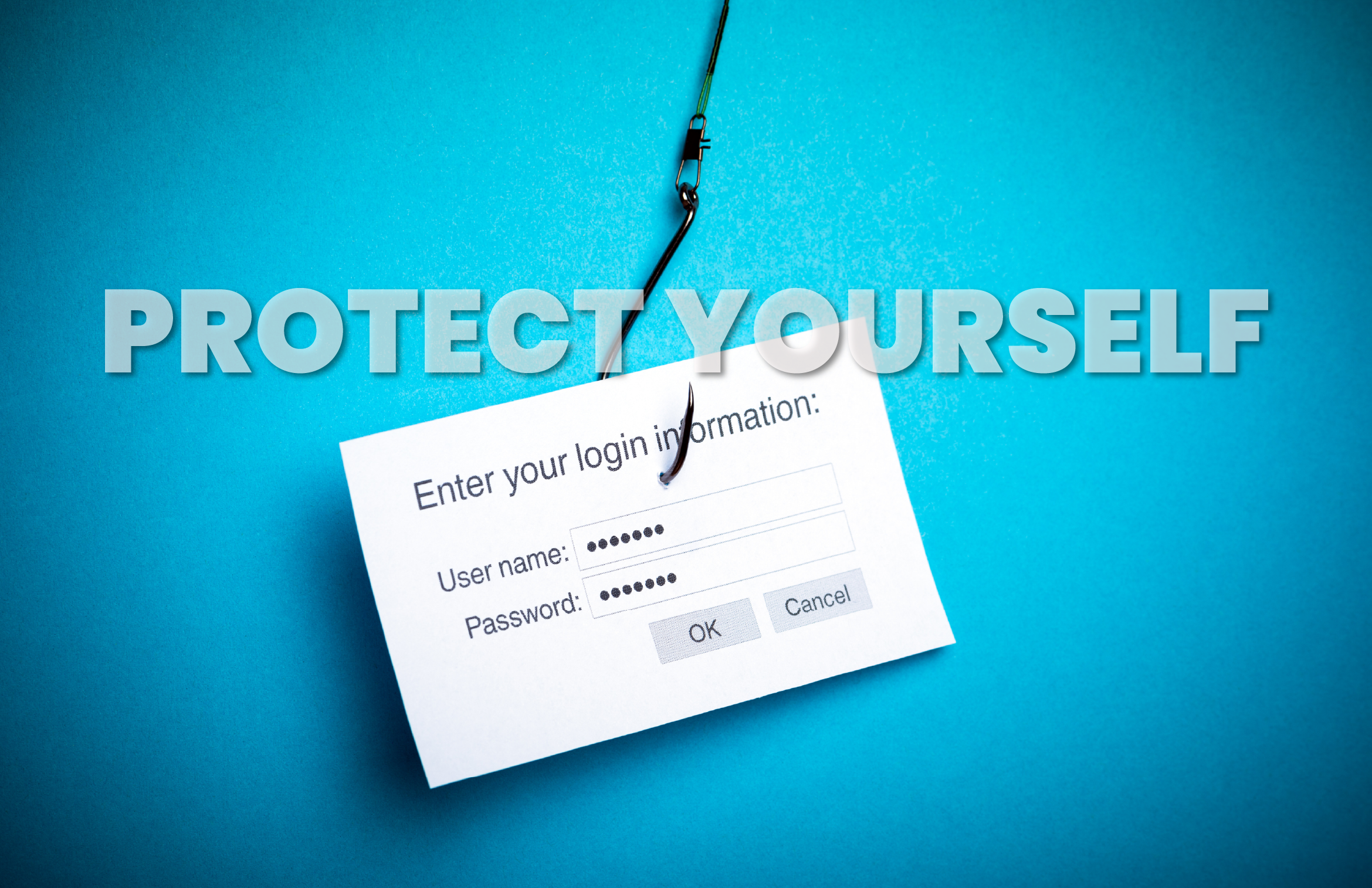
Additional tips on how to prevent successful Phishing attempts
👉 Keep your device updated to ensure the latest security features are implemented.
👉 Always mark emails from unknown sources as spam.
👉 Create strong passwords and use multi-factor authentication to avoid unauthorized access to your accounts.
👉 Avoid using public Wi-Fi services to prevent criminals from monitoring your online activity.